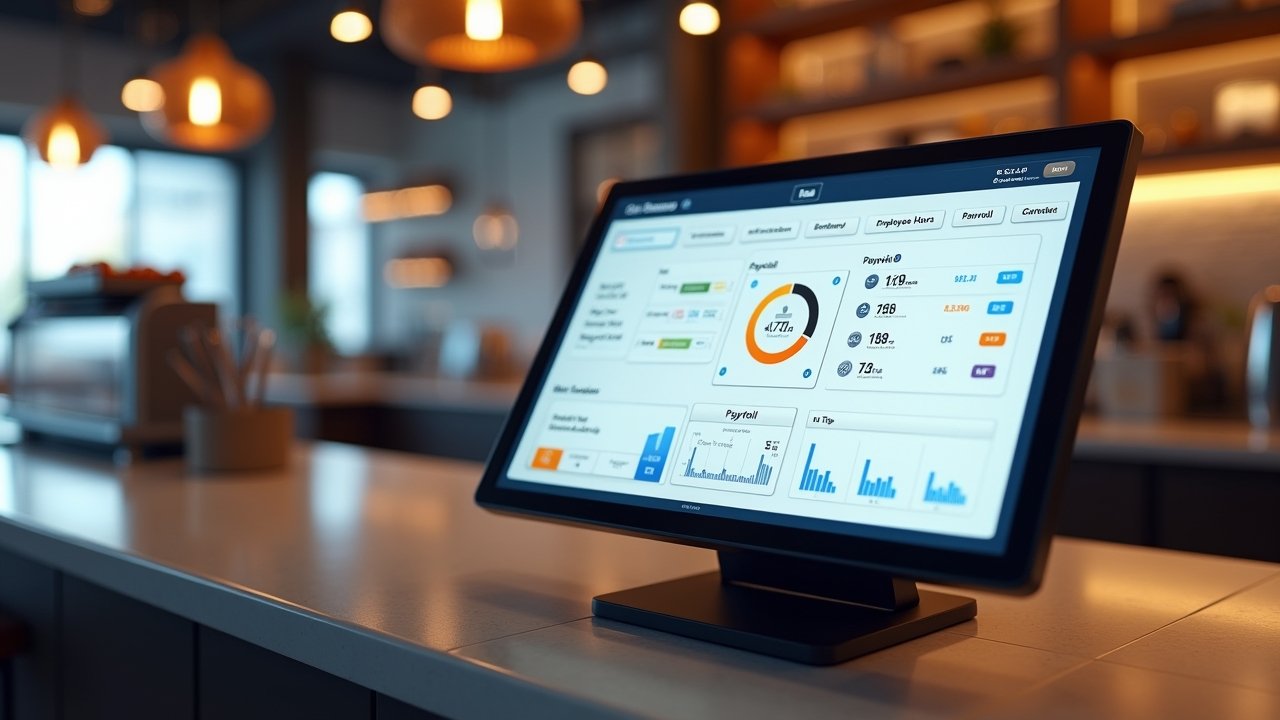
Best Payroll Software for Restaurants: What I Learned After Messing Up Payroll Twice
Advertisements
Did you know that nearly 75% of restaurants report payroll errors as one of their top administrative headaches? I believe it, because I lived it! When I helped my cousin manage payroll for her little diner a few years back, we botched two pay periods in a row, and let me tell you, that is NOT a fun conversation to have with your kitchen staff.
Payroll for restaurants is genuinely tricky. You’ve got tipped employees, overtime laws that change depending on your state, shifting schedules, and a revolving door of part-time staff. If you’re running a restaurant, you already know this. So finding the best payroll software isn’t just a nice-to-have, it’s kind of essential for keeping your sanity and staying compliant with the Fair Labor Standards Act.
Why Regular Payroll Software Doesn’t Cut It
Here’s the thing I learned the hard way. Regular payroll software, the kind built for a typical office with 9-to-5 salaried folks, just doesn’t handle restaurant stuff well. Tip pooling, tip credits, split shifts… it gets messy fast.
- Tip credit calculations that vary by state
- Overtime rules that get complicated with multiple pay rates
- Scheduling that changes week to week (sometimes day to day, ugh)
- High employee turnover meaning constant onboarding
My cousin’s diner used a generic accounting software at first, and honestly, it was a disaster waiting to happen. We spent hours every Sunday night manually adjusting tip credits. Hours! That could’ve been spent literally anywhere else, like sleeping.
What Makes Restaurant Payroll Software “The Best”
After all that trial and error, I started researching what actually separates good restaurant payroll tools from the mediocre ones. Turns out there’s a pretty clear checklist.
Tip Reporting and Allocation
Good software should automatically calculate tip credits and allocate tips fairly among staff. This alone saved us so much time it wasn’t even funny.
POS Integration
If your payroll software doesn’t talk to your point-of-sale system, you’re basically doing double the work. Look for software that syncs with systems like Toast or Square, this integration is a total game changer.
Multi-State Compliance
If you got locations in different states (or even just different cities with different minimum wage laws), your software needs to keep up. The Economic Policy Institute’s minimum wage tracker is a good reference to double-check your state’s rules while you’re at it.
Advertisements
My Top Picks (Based on Real Experience, Not Just Reading Reviews)
I’ve tried a handful of these myself, and asked around to other restaurant owners I know. Here’s what actually stood out.
Toast Payroll
If you’re already using Toast for your POS, this one just makes sense. It’s built specifically with restaurants in mind, so tip management and scheduling feel natural instead of bolted on as an afterthought.
Gusto
Gusto isn’t restaurant-specific, but it’s surprisingly flexible for small operations. We actually switched my cousin’s diner to Gusto after our disaster months, and it genuinely made things easier. Their customer support is solid too, which matters a lot when you’re panicking at midnight before payday.
7shifts
This one’s more scheduling-focused but pairs really well with payroll tools. If your biggest headache is staff scheduling conflicts (and whose isn’t), this can help smooth that out before it even becomes a payroll problem.
ADP RUN
For bigger restaurant groups or multi-location operations, ADP brings a lot more firepower. It’s pricier, sure, but the compliance features are worth it if you’re managing a larger team.
A Few Mistakes to Avoid (Trust Me on This One)
Don’t just pick software based on price alone. I know, I know, budgets matter, but the cheapest option isn’t always the best deal long term.
- Not checking if it integrates with your existing POS system
- Ignoring customer support quality (you WILL need help eventually)
- Forgetting to ask about mobile access for employees checking their own pay stubs
- Skipping the free trial before committing
We made basically every one of these mistakes at least once. Learn from us, please.
Making the Switch Without Losing Your Mind
Switching payroll systems mid-year feels scary, I get it. But honestly, waiting too long usually costs you more in errors and wasted time than just biting the bullet and switching.
Start with a trial period if it’s offered. Run it parallel with your current system for one pay cycle. This way you can compare numbers and catch any discrepancies before fully committing.
Finding What Works for Your Restaurant
At the end of the day, there’s no single “best” payroll software that works for every restaurant. Your needs depend on your size, your state’s specific labor laws, and honestly, what you and your team find easiest to use day-to-day.
Take the time to actually test a few options before committing long term. Double-check compliance requirements specific to your location, because labor laws really do shift year to year. And please, for the love of all that is holy, don’t skip out on customer support quality when making your decision!
If you found this helpful, definitely check out more guides like this over on the Wageory blog. There’s a ton of practical stuff there for restaurant owners trying to figure out payroll, scheduling, and everything in between without losing their minds along the way.