Advertisements
Did you know that nearly 40% of small businesses get hit with IRS penalties every year just because of payroll mistakes? Yikes! That stat alone made me sit up straight when I first started digging into payroll software options for a friend’s small bakery. Picking the right payroll provider isn’t just some boring back-office decision, it can literally save you money and headaches. So let’s talk about SurePayroll, because I’ve actually used it (mistakes and all) and I’ve got some real talk for you.
My First Encounter With SurePayroll
So here’s the deal. A couple years back, I was helping my buddy Dave run payroll for his five-person landscaping crew. We were using spreadsheets like cavemen, and honestly, it was a disaster waiting to happen. One of his guys almost didn’t get paid on time because Dave fat-fingered a formula. That’s when we started shopping around, and SurePayroll kept popping up.
I’ll be honest, I was skeptical at first. There’s like a million payroll tools out there, and a lot of them overpromise. But SurePayroll had this reputation for being simple and built specifically for small businesses, not some bloated enterprise system. We figured, why not give it a shot.
Setting It Up: Not As Scary As I Thought
Setting up SurePayroll took us maybe an hour, which honestly surprised me. You basically enter your company info, add your employees, set up direct deposit, and connect your bank account. There’s a step where you input tax info too, and this is where I made my first dumb mistake, I entered Dave’s EIN wrong and had to go back and fix it. Oops.
- You’ll need your EIN and state tax ID handy
- Employee info like social security numbers and bank details
- Your business bank account for direct deposit funding
Once we got past my little hiccup, things moved pretty smooth. The dashboard isn’t flashy, but it’s clean, and that’s honestly what you want when you’re stressed about paying people correctly.
Running Payroll: The Actual Experience
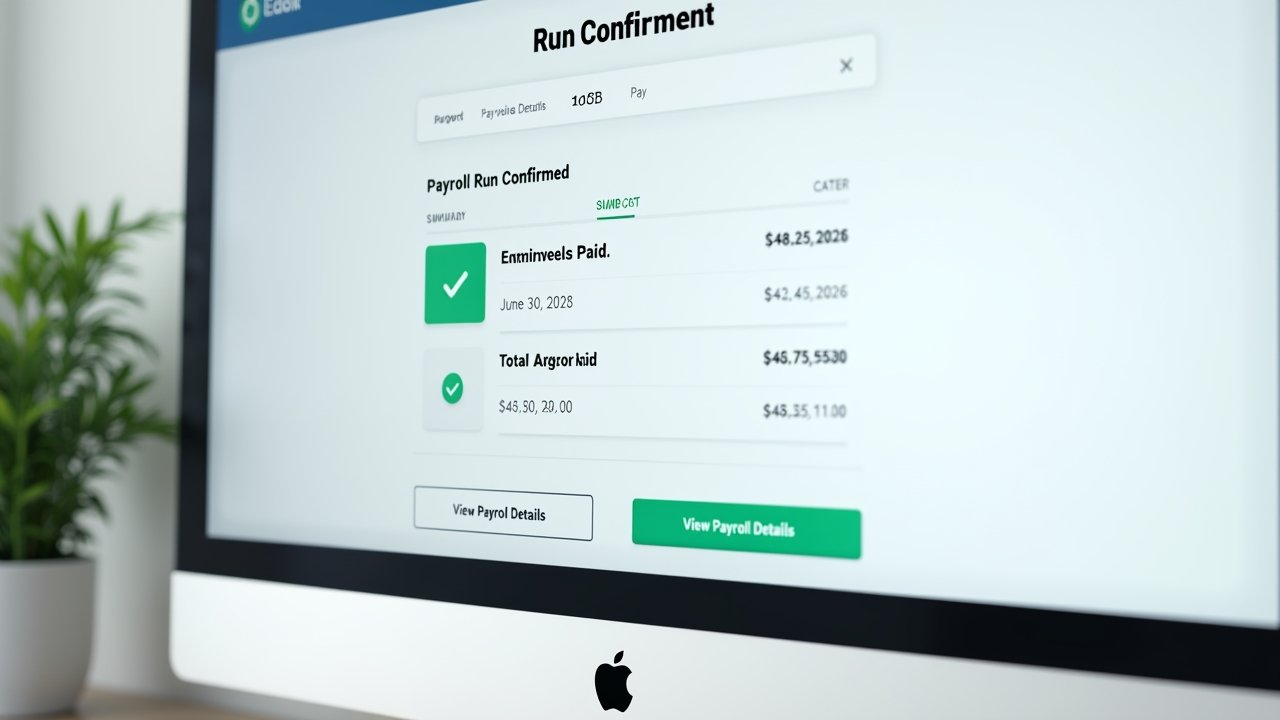
Running payroll week to week became weirdly satisfying, which sounds ridiculous, but it’s true. You log in, review the hours (if you’re syncing with a time tracking tool), approve everything, and boom, it processes. SurePayroll also handles the tax filings automatically, which was a huge relief for Dave since he’d been terrified of messing up quarterly filings.
One thing that tripped us up though was the processing time. SurePayroll isn’t instant, you generally need to run payroll a couple days before payday to make sure the direct deposits land on time. We missed this the first time and Dave’s crew got paid a day late. Not our finest moment, but lesson learned.
Customer Support: Hit or Miss
I gotta be real with you here. Sometimes the support was fantastic, quick chat responses and helpful reps. Other times we waited longer than I’d like on the phone. It wasn’t terrible, but it also wasn’t the five-star experience some competitors like Gusto seem to offer. Just something to keep in mind if quick support is a dealbreaker for you.
Advertisements
Pricing: Is It Worth It?
SurePayroll offers a couple different plans, generally a base fee plus a per-employee charge. For a small crew like Dave’s, it ended up being pretty affordable, definitely cheaper than hiring an accountant to do payroll manually every month. If you’re curious how it stacks up against others, checking a comparison like the one from Investopedia’s payroll software roundup can give you a broader view.
- Affordable for small teams under 10 employees
- Add-ons for HR support and workers comp cost extra
- No hidden setup fees, which was refreshing honestly
What I Liked (and What Bugged Me)
Let’s break down the good and the not-so-good, because nothing’s perfect right?
The Good Stuff
- Easy setup, even for payroll newbies
- Automatic tax filing takes a load off your mind
- Mobile app is actually decent for on-the-go approvals
The Annoying Stuff
- Support response times can be inconsistent
- Some features feel a little dated compared to newer platforms
- Processing times require planning ahead, no last minute payroll runs
Honestly, for a small operation like Dave’s, the pros outweighed the cons by a mile. But if you’re running a bigger team with more complex needs, you might want something more robust.
Is SurePayroll Right For You?
If you’re a small business owner drowning in spreadsheets like Dave was, SurePayroll genuinely simplifies things. It’s not the flashiest tool on the market, but it gets the job done without a steep learning curve. Just remember to plan your payroll runs a few days ahead, and double check your tax info before submitting (learn from my EIN mistake, seriously).
Payroll might seem like just another task on your never-ending business to-do list, but getting it right matters, both for your employees’ trust and for staying on the IRS’s good side. Every business is different though, so take what worked for Dave and tweak it to fit your own situation. And hey, always double check state-specific tax rules since those can trip anyone up.
If you found this review helpful, there’s a ton more where that came from. Swing by the Wageory blog for more honest, real-world takes on payroll tools, HR tips, and small business advice that actually makes sense. Trust me, your future self (and your accountant) will thank you.