Cloud Payroll vs Desktop Payroll: What I Wish Someone Told Me Years Ago
Advertisements
Did you know that businesses using cloud-based payroll systems save an average of 5 hours per pay cycle compared to desktop software? I stumbled on that stat after I’d already wasted years doing it the hard way! When I first started managing payroll for a small business I was helping out, I had no clue there was even a debate to be had. Payroll’s payroll, right? Wrong. So wrong.
This decision actually matters more than you’d think. Whether you’re running a five-person shop or scaling up to fifty employees, the system you choose affects everything from your monthly stress levels to how much you’re paying in IT support. Let me walk you through what I learned, including the mistakes that still make me cringe a little.
My Desktop Payroll Disaster (Yes, It’s a Story)
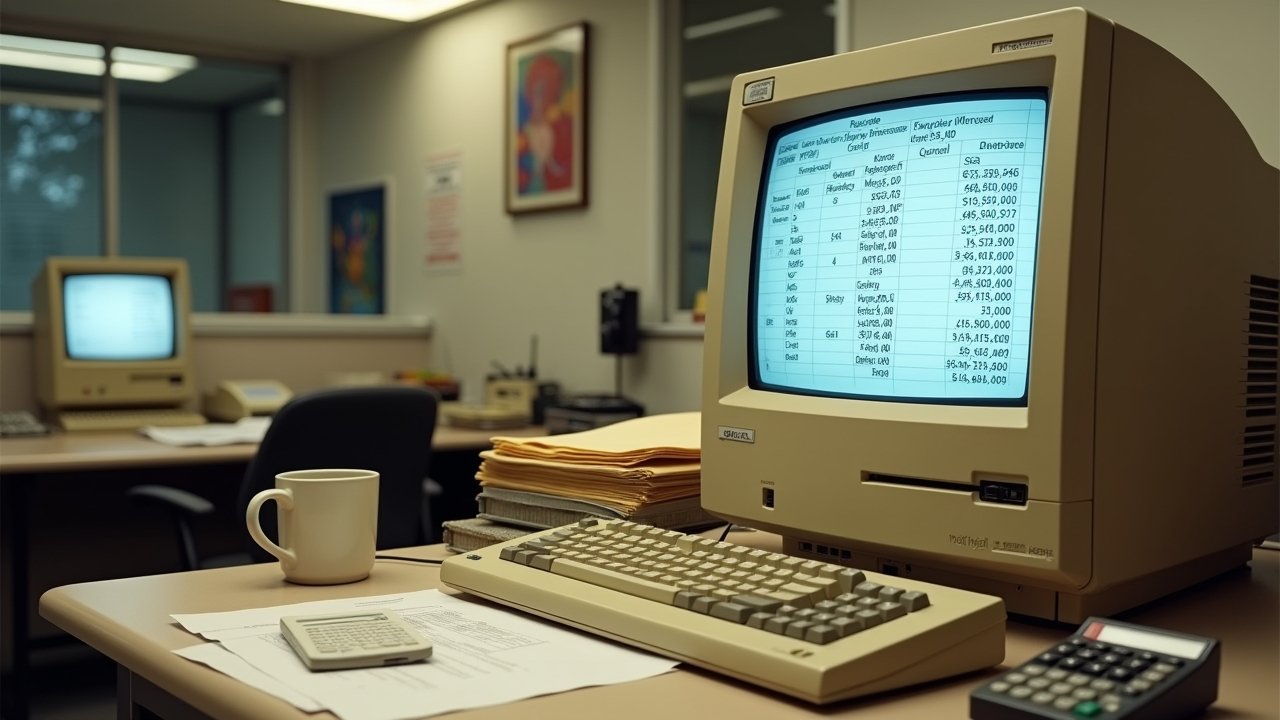
Back when I was helping my buddy’s landscaping company, we used a desktop payroll software installed on one computer in the office. One single computer. You already see where this is going, don’t you?
One Friday, that computer decided to die. Just up and died, like it had somewhere better to be. We had payroll due that day, and I was frantically calling tech support while employees were texting asking where their direct deposits were. It was a nightmare, honestly, and one that could’ve been avoided.
Desktop payroll software, like older versions of QuickBooks Desktop Payroll, lives on your local machine. That means your data is tied to that specific computer unless you’re diligent about backups. If the hardware fails, or gets stolen, or a coffee spill happens (don’t ask), you could be locked out of critical payroll data right when you need it most.
Some Pros of Desktop Payroll, Because I’ll Be Fair
- One-time purchase cost instead of ongoing subscription fees
- No internet required once installed
- Some folks feel more in control having everything local
- Data isn’t sitting on someone else’s server
I’ll admit, for a tiny operation with zero growth plans, desktop might work fine. But most businesses aren’t staying tiny forever, and that’s where things get complicated.
Then I Discovered Cloud Payroll, and Honestly? Game Changer
After that computer crash incident, I switched us over to a cloud-based system, and I felt kind of silly for not doing it sooner. Cloud payroll software, think platforms like Gusto or ADP, runs entirely online. You log in from any device, anywhere, and your data lives safely on remote servers instead of one vulnerable hard drive.
The first time I processed payroll from my phone while waiting at the dentist’s office, I actually laughed out loud. My wife thought I was losing it. But that flexibility? It’s real, and it’s addictive once you get used to it.
Advertisements
Why Cloud Payroll Won Me Over
- Automatic updates mean you’re always compliant with the latest tax laws
- Access from any device with internet, which is huge for remote teams
- Data backups happen automatically, no more sweating over hardware failures
- Integration with other tools like accounting software and time tracking apps
- Scalability as your team grows without needing new installations
That said, cloud isn’t perfect either. You’re relying on internet connectivity, and if your provider has an outage (it happens, even to the big guys), you might be stuck waiting. There’s also the ongoing subscription cost, which can add up over years compared to a one-time desktop purchase.
Security: The Question Everyone Asks Me
People always ask if cloud payroll is safe, and I get it, handing over sensitive employee data to a third party feels risky. But here’s the thing: reputable cloud providers invest heavily in encryption, multi-factor authentication, and security protocols that most small businesses could never afford to implement on their own desktop setup.
I did my research through resources like the NIST Cybersecurity Framework before making the switch, and honestly, cloud systems often outperform desktop setups in terms of protection. Your old desktop computer probably isn’t getting the same security patches as a dedicated cloud payroll server.
Cost Comparison: Where Your Money Actually Goes
Desktop payroll usually means paying upfront, sometimes a few hundred bucks, and then you own the software indefinitely (though updates might cost extra). Cloud payroll operates on subscriptions, typically monthly fees based on employee count, which can range anywhere from $20 to $150+ per month depending on features and team size.
Do the math for your specific situation! If you’ve got a stable, small team and don’t need constant updates, desktop might save money long-term. But if you’re growing, need multiple users accessing data, or want automatic tax filing, cloud often justifies its cost pretty quick.
What I’d Tell My Younger, Payroll-Confused Self
If I could go back and give myself advice, I’d say this: think about where your business is headed, not just where it is today. Desktop payroll might feel simpler now, but it can become a real headache once you add employees, remote workers, or multiple office locations.
Also, always, always keep backups regardless of which system you choose. That crashed computer taught me that lesson the hard way, and I don’t wish that panic on anyone.
Every business is different, so weigh your specific needs, team size, growth plans, and comfort with technology, before deciding. There’s no one-size-fits-all answer here, despite what some software salespeople might tell you.
Payroll decisions affect real people’s paychecks, so treat this choice seriously and do your homework. If you found this breakdown helpful, you should definitely check out more practical guides over at the Wageory blog, where we dig into all sorts of payroll and business topics that’ll save you the headaches I went through firsthand.