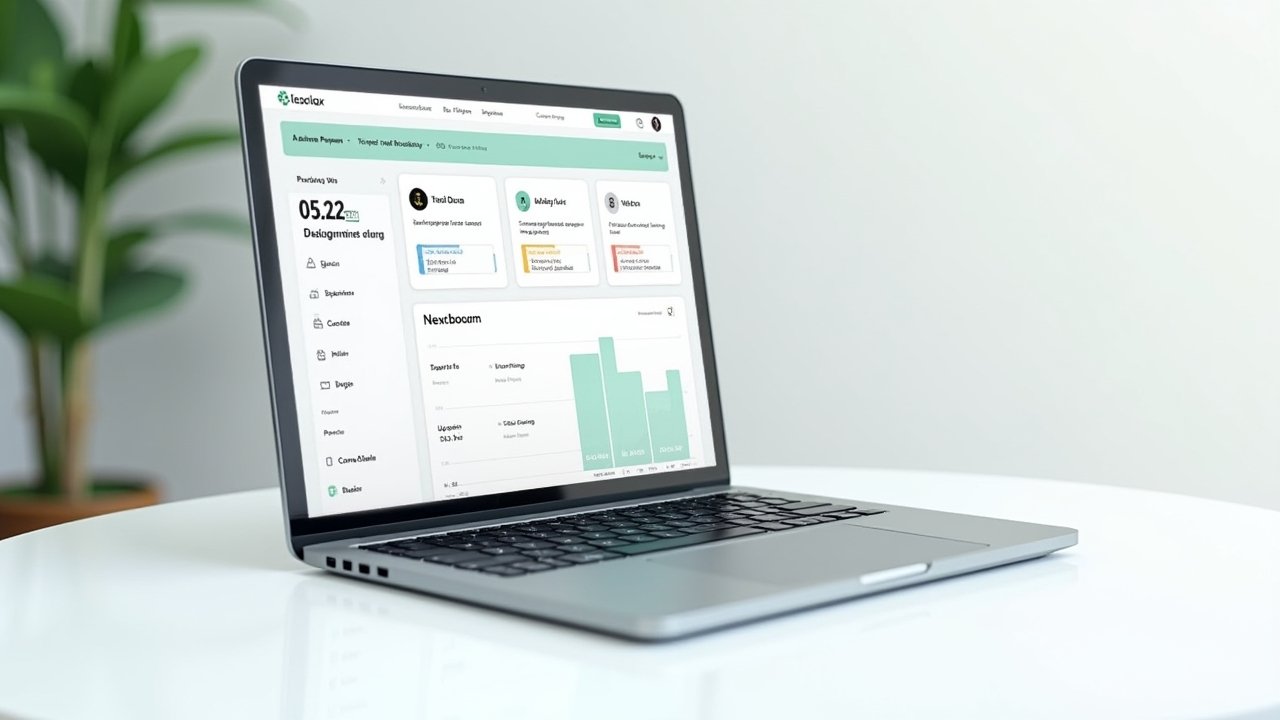
OnPay Review: My Honest Take After Running Payroll For My Small Business
Advertisements
Did you know that nearly 40% of small business owners say payroll and taxes are the worst part of running their company? Yeah, I felt that in my bones the first time I tried to run payroll by myself. So when I stumbled onto OnPay a couple years back, I was skeptical but desperate. Let me tell you how that turned out!
My First Encounter With OnPay (Spoiler: It Wasn’t Love At First Sight)
I was running a tiny landscaping business with three employees, and I was doing payroll through spreadsheets like some kind of caveman. My buddy Rick, who owns a bakery, mentioned OnPay over beers one night. He said it “wasn’t perfect but it didn’t make him wanna scream.” That’s a ringing endorsement in payroll world, honestly.
I signed up expecting a nightmare of onboarding steps. Instead, the setup process took me maybe an hour, which felt shocking. I did mess up my EIN entry the first time though, typo’d a number, and had to call support to fix it. They were patient with me, which I appreciated because I was definitely a little embarrassed.
What OnPay Actually Does Well
Here’s the thing that surprised me most: OnPay handles tax filings automatically, in all 50 states. I didn’t have to think about quarterly filings or year-end W-2s at all. It just… happened. That alone saved me probably 5 hours a month, which doesn’t sound like much until you’re the one doing it at 11pm on a Sunday.
- Unlimited pay runs, no extra fees for running payroll twice in one month
- Built-in HR tools like offer letters and PTO tracking
- Integrates with QuickBooks and Xero without much fuss
- Handles multi-state payroll, which was huge since I had one employee working remotely from another state
The pricing is also refreshingly simple. It’s a flat base fee plus a per-employee cost, no confusing tiers that make you feel like you need a finance degree to understand what you’re paying for. You can check current pricing directly on OnPay’s official site since these things change.
The Customer Support Thing
I gotta be real with you here. The customer support was actually good, better than I expected from a payroll company. I called them three separate times in my first six months (told you I was struggling), and each time I got a human being who knew what they were talking about. No endless phone trees, no “please hold for the next available representative” purgatory.
One time I called panicking because I thought I’d underpaid an employee. Turns out I hadn’t, I’d just misread the pay stub. The rep walked me through it calmly instead of making me feel dumb. That mattered more to me than it probably should have.
Where OnPay Falls Short
Nothing’s perfect, and OnPay ain’t either. The mobile app is pretty basic compared to competitors like Gusto, which I’ve also tried. If you’re someone who wants to run payroll entirely from your phone while standing in line at the grocery store, you might get frustrated.
Advertisements
Also, the reporting features, while functional, don’t feel as robust as some pricier alternatives. If you need really granular custom reports for a bigger operation, you might outgrow OnPay eventually. For a small crew like mine though, it was never an issue.
I also noticed the benefits administration side, health insurance, retirement plans, felt a little clunky compared to running payroll itself. It works, but it’s not the slickest part of the platform. Just a heads up so you’re not surprised.
Who Should Actually Use OnPay?
Honestly, if you’ve got somewhere between 1 and 50 employees and you want something straightforward without a million bells and whistles, OnPay’s a solid pick. It’s especially good for businesses with employees across multiple states because that multi-state tax stuff can get messy fast otherwise.
If you’re a massive company with complex HR needs, you’ll probably want to look at something like ADP instead. But for us small guys? OnPay just gets the job done without draining your bank account or your patience.
A Quick Tip From Experience
Before you commit, take advantage of their free trial period. I wish I’d tested it more thoroughly before switching all my employees over. I ran into a small hiccup migrating historical payroll data, nothing catastrophic, but it took an extra day to sort out. Save yourself the headache and double-check your data migration before your first live payroll run.
So, Is OnPay Worth It?
Look, payroll will never be the most exciting part of owning a business, and honestly nothing’s gonna make it fun exactly. But OnPay made it manageable for me, and manageable is a win when you’re juggling fifteen other responsibilities as a small business owner. It’s reliable, reasonably priced, and the humans behind the support line actually know their stuff.
Just remember to double check your own state’s specific tax requirements since laws change, and what worked for my business might need tweaking for yours. Always verify important compliance details with a tax professional too, better safe than sorry when the IRS is involved!
If you found this helpful, swing by the Wageory blog for more honest reviews and practical tips on running your business without losing your mind. There’s a lot more where this came from!