Paychex Pricing: What I Wish Someone Told Me Before I Signed Up
Advertisements
Okay, real talk: when I first started looking into payroll software for a small business I was helping manage, I nearly fell out of my chair trying to find a straight answer on Paychex pricing. Like, why is this so hard to pin down?! Every site gave me vague ranges or made me talk to a “specialist” just to get a ballpark number.
Payroll costs matter, especially if you’re running a small business on a tight budget. One wrong move and you’re stuck in a contract that’s bleeding your bank account dry every month. So let’s break this down together, friend to friend, based on what I actually learned (and messed up) along the way.
So How Much Does Paychex Actually Cost?
Here’s the deal: Paychex doesn’t publish a simple price sheet like you’d see at a grocery store. Their pricing depends on company size, the specific plan you choose, and how many employees you’ve got clocking in every week. Generally speaking, small businesses can expect to pay somewhere between $39 to $60 per month as a base fee, plus around $4 to $8 per employee per pay period.
I know, I know. That’s still pretty vague. But that’s just how Paychex operates — they customize quotes based on your needs, similar to how ADP handles their payroll pricing too.
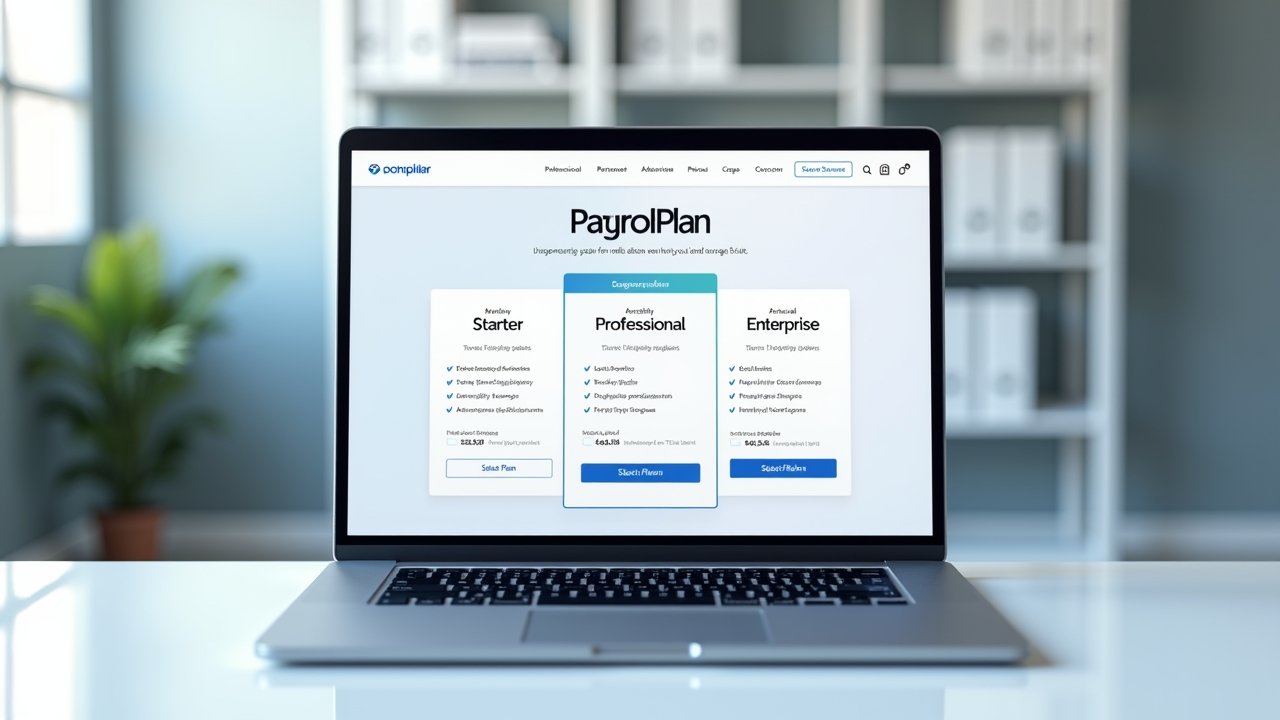
The Three Main Paychex Plans
- Paychex Flex Essentials – Basic payroll processing, tax filing, and a simple employee portal.
- Paychex Flex Select – Adds HR support, hiring tools, and more integrations.
- Paychex Flex Pro – Full-service HR features, dedicated support, and more advanced compliance tools.
When I was helping my buddy’s small landscaping business, we started with Essentials because, frankly, we didn’t need all the bells and whistles yet. It worked fine for a few months, but as they hired more crew members, we upgraded to Select. That transition was smoother than I expected, not gonna lie.
My Honest Mistake With Paychex Pricing
Here’s where I messed up (and I’m sharing this so you don’t repeat my dumb mistake). I didn’t ask enough questions upfront about hidden fees. Turns out, there’s often an implementation fee that gets tacked on when you first set up your account, and depending on your sales rep, this can range wildly.
Lesson learned: always ask for a full cost breakdown in writing before signing anything. I didn’t do that the first time, and boy, was I frustrated when an unexpected setup charge showed up on our first invoice. Triumph came later though, once I negotiated some of those fees down simply by asking (yes, you can actually negotiate with Paychex, most people don’t realize that).
Factors That Affect Your Paychex Bill
- Number of employees on payroll
- Pay frequency (weekly, biweekly, monthly)
- Add-on services like HR support, time tracking, or benefits administration
- State-specific tax filing requirements
- Whether you need year-end tax form processing (W-2s, 1099s)
Each of these can nudge your monthly bill up or down. For instance, adding time and attendance tracking sounds small, but it added about $10 extra a month for us. Not a dealbreaker, but definitely something to factor into your budget.
Advertisements
Is Paychex Worth the Cost?
Honestly? It depends on your business size and how hands-on you want to be with payroll. If you’ve got a handful of employees and don’t want to deal with tax filing headaches yourself, Paychex can save you a ton of time. But if you’re a solo entrepreneur or have just one or two employees, something like Gusto might be more budget-friendly.
I’ve used both, and honestly, Paychex feels more robust for growing teams, while Gusto feels more streamlined for smaller setups. Neither is “wrong,” it just depends on your specific needs and how much you’re willing to spend for peace of mind.
Quick Tips Before You Sign Up
- Always request a written quote with itemized fees
- Ask about contract length and cancellation policies
- Confirm if there’s a free trial period
- Compare at least two other payroll providers before committing
- Double-check what’s included versus what’s an “add-on” cost
Trust me, taking these extra steps saves you from those “wait, why is my bill higher this month?” moments. I learned this the hard way, and it wasn’t fun explaining an unexpected charge to my friend’s business partner.
Wrapping This Up (Sort Of)
At the end of the day, Paychex pricing isn’t one-size-fits-all, and that’s honestly both a blessing and a curse. It means you can customize your plan to fit your business, but it also means you’ve gotta do your homework before committing to anything.
Make sure you ask questions, request pricing in writing, and think carefully about what features you truly need versus what sounds nice but isn’t essential. Payroll compliance matters too, so always double check state and federal requirements with a professional if you’re unsure, since laws can change and mistakes here can be costly.
If you found this helpful, swing by the Wageory blog for more no-nonsense breakdowns on payroll, HR tools, and small business finance topics. There’s a lot more where this came from, and I promise it’s all written from real experience, not just recycled marketing fluff!