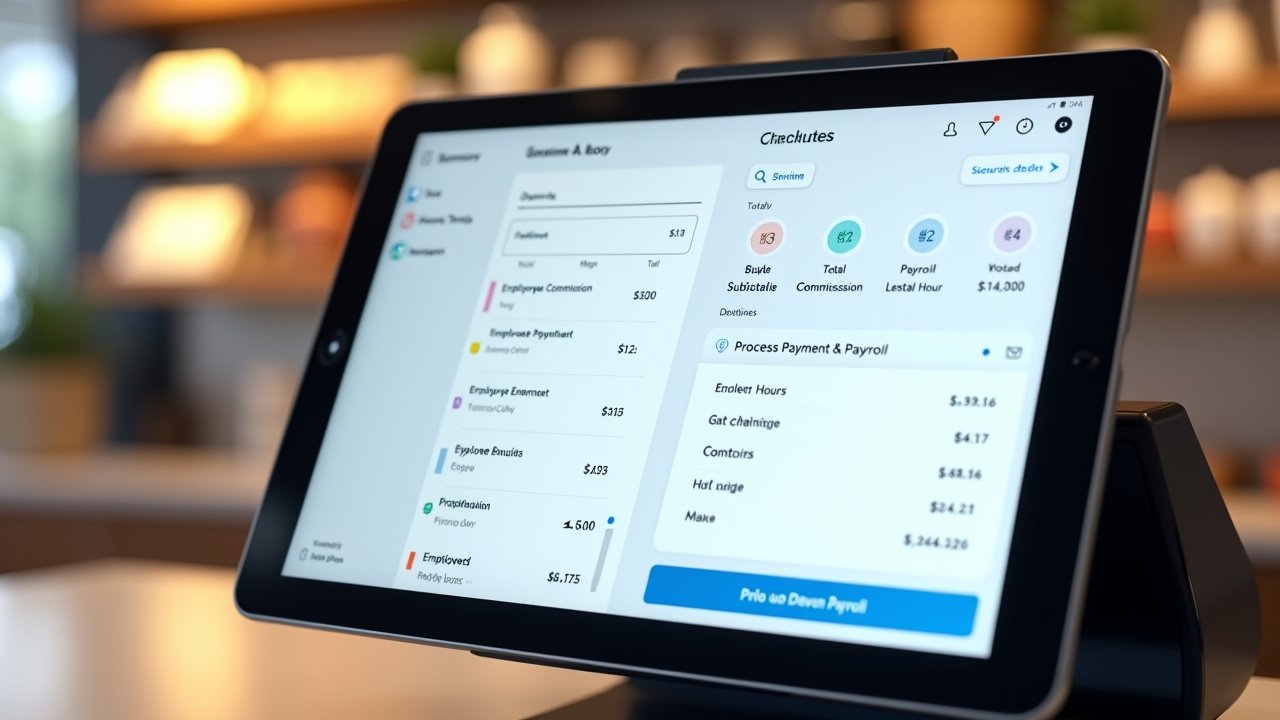
Square Payroll Review: My Honest Take After Running It for My Small Business
Advertisements
Did you know that nearly 40% of small business owners say payroll and bookkeeping are the biggest headaches they deal with? Yeah, I felt that in my bones! When I first started using Square Payroll for my little coffee shop, I had no idea what I was getting into, and honestly, I wish someone had given me the real scoop beforehand. So that’s exactly what I’m gonna do for you right now.
This stuff matters because picking the wrong payroll system can literally cost you money, time, and your sanity. I’ve been there. Let’s get into it!
How I Stumbled Into Using Square Payroll
So here’s the thing. I already used Square for my point-of-sale system, ringing up lattes and pastries all day long. When it came time to hire my first employee, Square Payroll popped up as an option and I figured, why not just keep everything under one roof? Turns out that was actually a smart move, though I didn’t know it at the time.
The setup process was surprisingly painless. I remember sitting at my kitchen table, laptop open, expecting to spend hours on it. Nope. It took me maybe 20 minutes to get the basics entered, and that included me googling what an EIN was because I’d forgotten mine (don’t judge me, it happens).
What I Actually Liked About It
There’s a lot to appreciate here, and I’m not just saying that. Square Payroll handles the tax filing stuff automatically, which was a huge relief for someone like me who once accidentally filed the wrong quarterly form and got a nasty letter from the IRS. Never again, thank you very much.
- Automatic federal and state tax filings, so you’re not left guessing come tax season
- Direct deposit that actually works on time, every time
- Integration with Square POS, which tracked my employees’ hours worked directly from their shifts
- A pretty simple mobile app so I could run payroll from literally anywhere, even the beach on vacation
The tip reporting feature was clutch for my business too. Since I run a coffee shop, tips are a big deal, and Square automatically pulled that data in without me having to manually calculate anything. That alone saved me probably three hours a week.
Where Things Got a Little Frustrating
Okay, it’s not all sunshine and rainbows, I gotta be real with you. Customer support was hit or miss for me. One time I had an issue with a contractor payment that got delayed, and it took almost two days to get someone on the phone who could actually help. That was stressful, especially because the contractor was, understandably, pretty annoyed with me.
Also, the pricing can add up if you got a bunch of employees. Square Payroll charges a base fee plus a per-employee fee, and when I expanded to five employees, I definitely noticed it hit my budget harder than expected. If you’re curious about exact numbers, check out Square’s official payroll pricing page to see current rates because they do change things up sometimes.
Advertisements
Another small annoyance: the reporting features aren’t as robust as some competitors like Gusto. If you want super detailed analytics on labor costs by department, you might feel a little limited. I ended up exporting stuff to a spreadsheet more than once just to get the breakdown I needed.
Contractor Payments Made Simple
I gotta give credit where it’s due though. Paying contractors was way easier than I expected. Square automatically generates 1099 forms at year-end, which saved me from a huge scramble every January. Before, I’d been manually tracking payments to my part-time graphic designer in a notebook (yeah, an actual paper notebook, don’t laugh).
Is Square Payroll Worth It For Your Business?
Honestly? It depends on what you need. If you’re already using Square for point-of-sale or invoicing, the integration makes life a lot easier and probably worth the switch. For businesses that need more advanced HR features like benefits administration or detailed compliance tools across multiple states, you might want to look at something like Gusto instead, since it offers more robust HR support.
For small teams though, especially in retail or food service, Square Payroll hits a sweet spot. It’s not overly complicated, and you’re not paying for a bunch of features you’ll never touch.
- Best for: small businesses already using Square products
- Best for: hourly employees and tipped workers
- Not ideal for: companies needing advanced benefits packages right out the gate
- Not ideal for: businesses operating across many different states with complex tax needs
My Final Thoughts (And a Few Tips)
Look, no payroll system is gonna be perfect, and Square Payroll definitely has its quirks. But for what I needed as a small coffee shop owner, it did the job well enough that I stuck with it for over two years. My advice? Take advantage of the free trial period they offer, run a test payroll cycle before committing fully, and make sure you double check your tax settings right at setup so you don’t run into the same mess I did with the IRS.
Every business is different, so what worked wonders for my little shop might not fit your situation perfectly, and that’s okay! Take what applies, tweak the rest, and always keep an eye on your local labor laws since those change more often than you’d think.
If you found this helpful, there’s a ton more where that came from. Swing by the Wageory blog for more honest reviews and practical advice on running payroll, managing your team, and keeping your small business finances in check. Trust me, it’s worth the read!