SurePayroll Pricing: What I Wish Someone Told Me Before I Signed Up
Advertisements
Did you know that small businesses spend an average of 5 hours a month just on payroll taxes alone? That statistic blew my mind when I first stumbled across it, and honestly, it’s the exact reason I started digging into payroll software a few years back. I own a tiny landscaping business (well, my brother and I run it together), and figuring out SurePayroll pricing became my personal little obsession for about two weeks straight!
Payroll software isn’t exactly thrilling dinner conversation, but if you’re a small business owner, you already know how much this stuff matters. Get it wrong and you’re looking at penalties, unhappy employees, and a whole lot of stress. Get it right and, well, life just runs smoother.
My First Encounter With SurePayroll’s Pricing Page
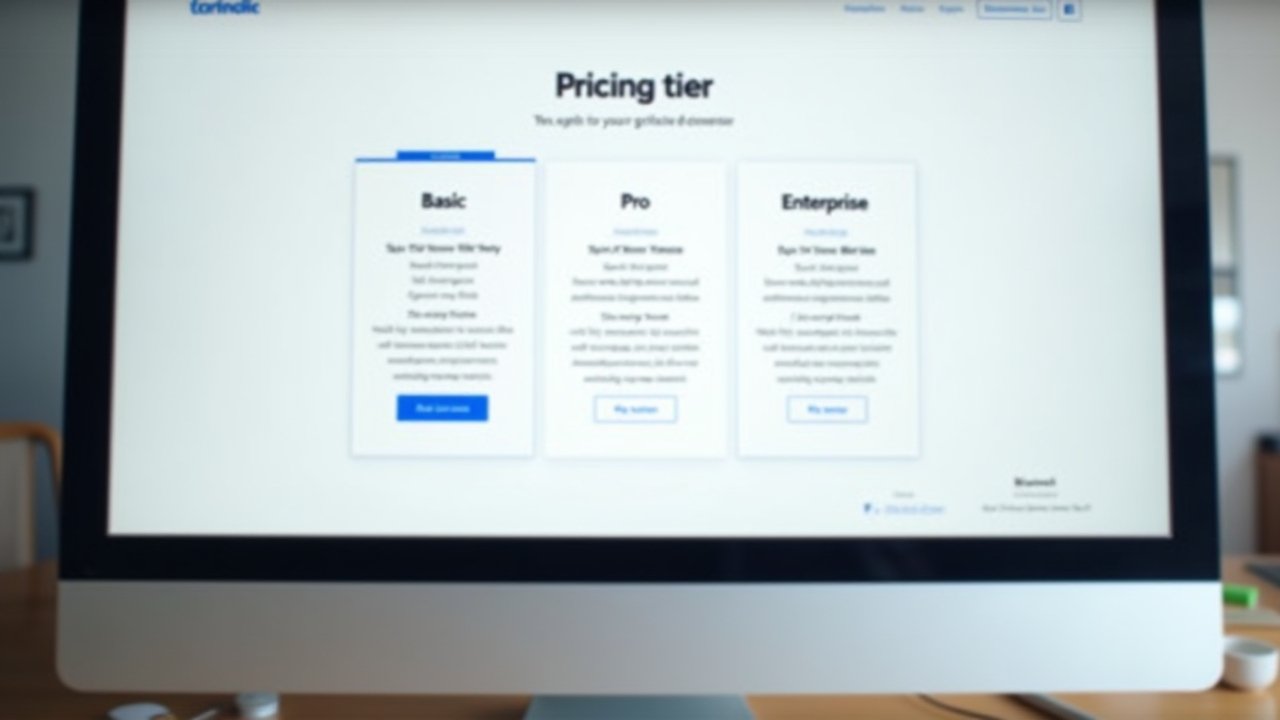
I remember sitting at my kitchen table, laptop open, coffee going cold, trying to make sense of the pricing tiers. It wasn’t as straightforward as I hoped. SurePayroll offers a couple main plans, and back when I looked, it was something like a “No Tax Filing” option and a “Full Service Payroll” option.
Here’s the thing nobody tells you upfront: the price you see advertised almost never matches what you’ll actually pay. There’s usually a base fee plus a per-employee charge. For my crew of four guys, that added up faster than I expected.
- Base monthly fee (varies depending on promotions running at the time)
- Per-employee, per-payroll-run fee
- Add-ons like HR support, workers’ comp integration, and time clock features
I made the mistake of not asking about add-ons before signing up. Big oops on my part. Suddenly my “affordable” plan had a workers’ comp add-on tacked on that I didn’t even fully understand at the time.
Comparing Plans: The Good, The Meh, and The “Wait, What?”
SurePayroll’s cheaper tier skips automatic tax filing, which sounds fine until you realize you’re now responsible for filing those taxes yourself. I tried this route for exactly one quarter before I threw in the towel. Filing taxes manually while running a landscaping crew during peak season? Not my finest hour.
The full-service plan costs more, sure, but it handles federal, state, and local tax filings automatically. For me, that peace of mind was worth every extra penny. If you’ve got even a little bit of anxiety about tax deadlines (who doesn’t), this tier is probably your best bet.
One thing I’ll say in SurePayroll’s favor: their customer support actually picked up the phone when I called, panicking about a missed filing deadline. That’s more than I can say for some other providers I tried before landing here.
Advertisements
Hidden Costs Nobody Warns You About
This is where things got a little frustrating for me, not gonna lie. There were fees for year-end tax forms, fees if you wanted same-day or next-day direct deposit instead of the standard schedule, and fees for certain state filings depending on where your employees work.
I’d honestly recommend calling their sales team directly and asking for a full breakdown before committing to anything. Get it in writing if you can. I learned that lesson after being surprised by a $25 charge for printed year-end forms I didn’t even know I needed until January rolled around.
For comparison, I also looked at Gusto’s pricing structure, which felt a bit more transparent upfront, though it wasn’t necessarily cheaper once you factored in all the extras. It’s worth shopping around and comparing at least two or three providers before you decide, trust me on this one.
Is SurePayroll Actually Worth It?
For small teams, like mine, I think it’s a solid option if you value simplicity over bells and whistles. It ain’t the flashiest software out there, and the interface feels a little dated if I’m being honest. But it gets the job done, and for a small operation like a landscaping crew or a tiny retail shop, that’s often all you need.
If your business is scaling fast though, you might outgrow it. A friend of mine who runs a restaurant with 30+ employees switched to something more robust after finding SurePayroll’s reporting features a bit too basic for her needs. The IRS employment tax guidelines are complex enough without software that can’t keep up with a growing team.
Quick Tips Before You Sign Up
- Ask for a complete pricing breakdown, including all possible add-ons
- Request a demo before committing to a full year
- Compare at least two competitors side by side
- Read the fine print on direct deposit timing fees
- Double check state-specific filing costs if you operate in multiple states
Honestly, the whole process taught me more about payroll than I ever wanted to know, but here we are. It’s part of running a business, whether we like it or not.
Wrapping This Up (And a Little Advice From Someone Who’s Been There)
Understanding SurePayroll pricing matters way more than most business owners realize until they’re knee-deep in an unexpected bill. Every business is different though, so please take my experience as a starting point, not gospel. Your industry, your team size, and your state requirements will all shape what pricing tier makes sense for you.
Always double-check current pricing directly with SurePayroll since rates and promotions change, and never sign anything without asking every question that pops into your head, even the ones that feel silly. Payroll compliance is serious business, and getting it wrong can cost you way more than a monthly subscription fee ever would.
If you found this helpful, do yourself a favor and check out more guides over on the Wageory blog. There’s a bunch of other posts on payroll software comparisons, HR tips, and small business advice that might just save you a headache or two down the road!